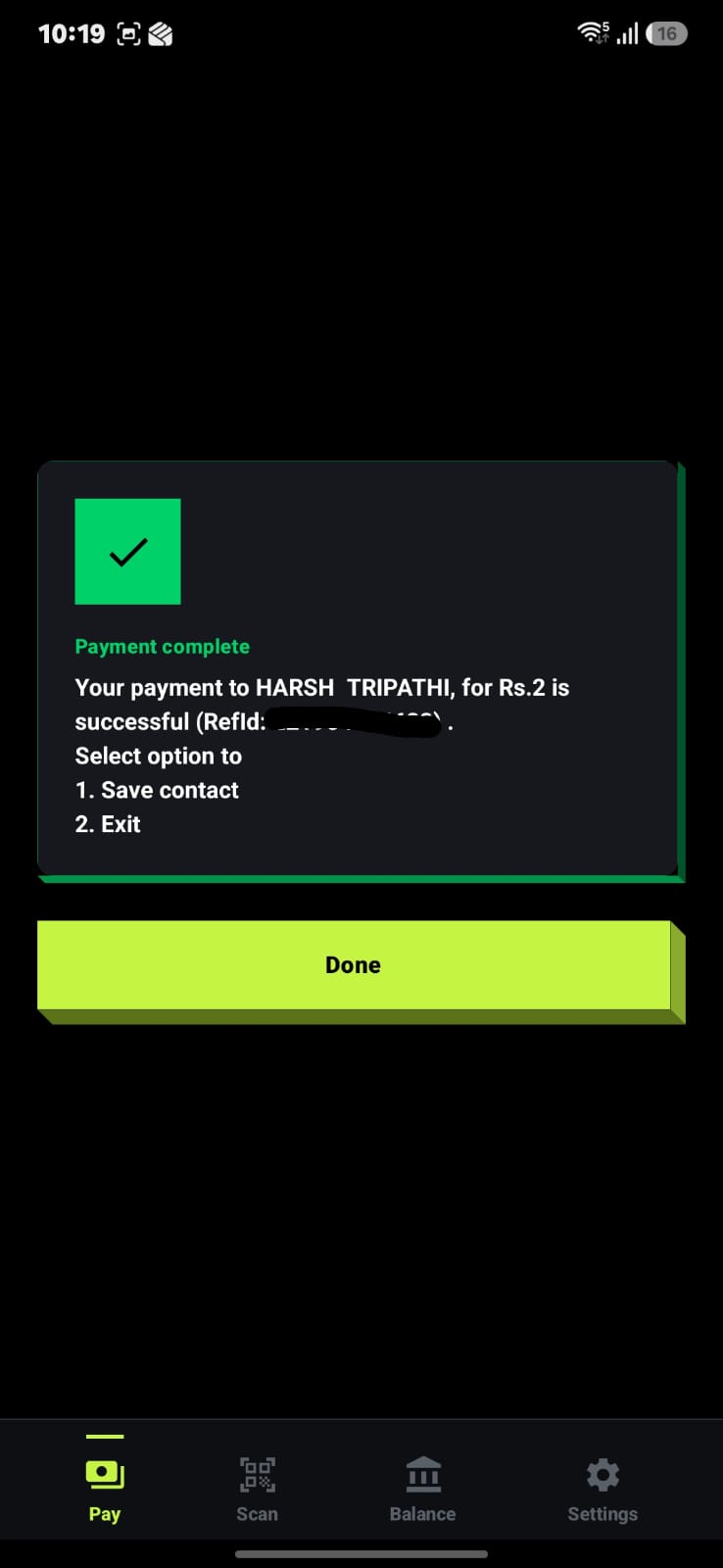
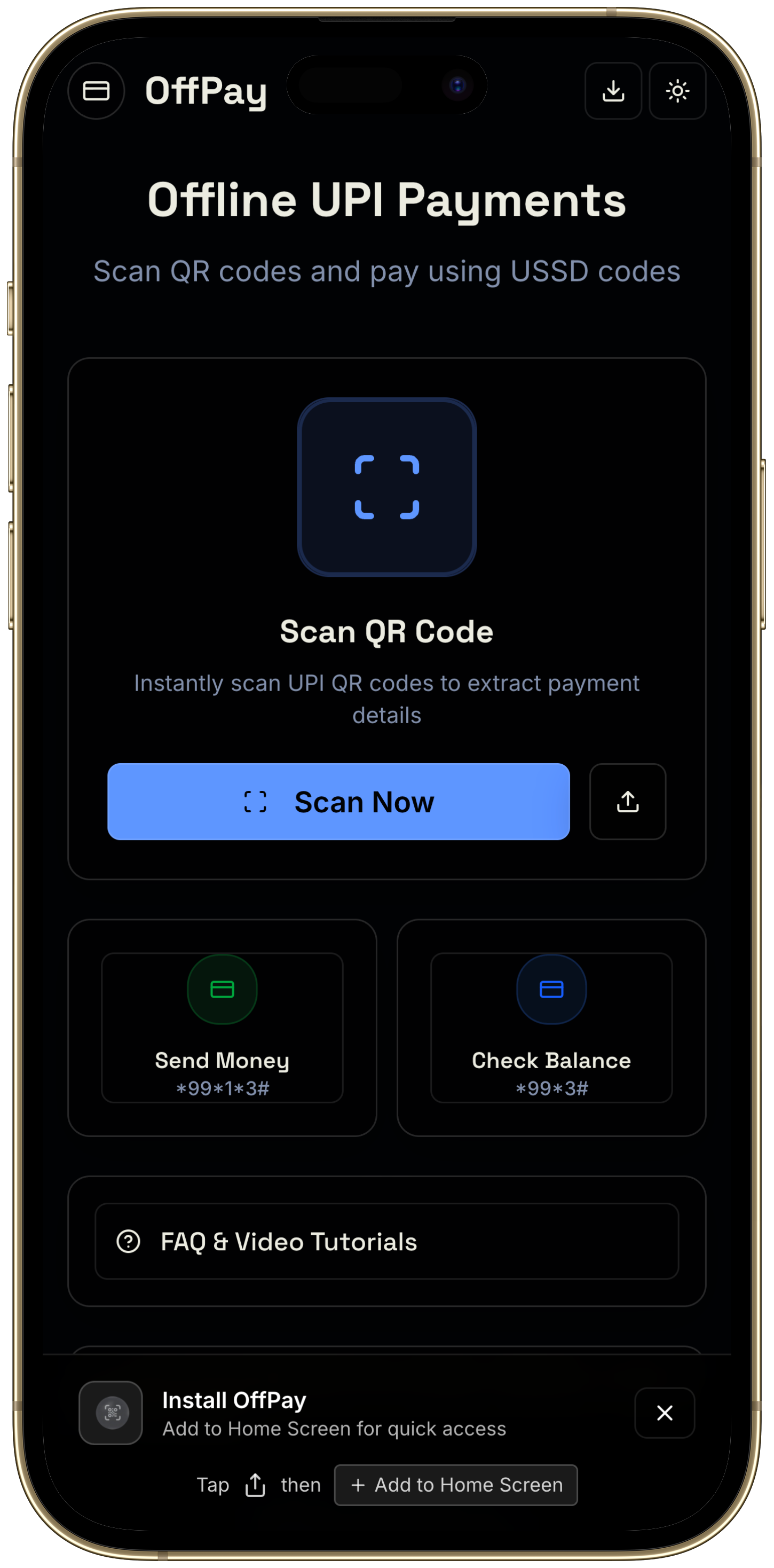
OffPay uses *99# (India's USSD-based UPI protocol) to send money, check balance, and scan QR codes entirely over your SIM's voice channel. Works on Airtel, Vi and BSNL with zero data.
A real payment on a real phone. Airplane mode on. No tricks.
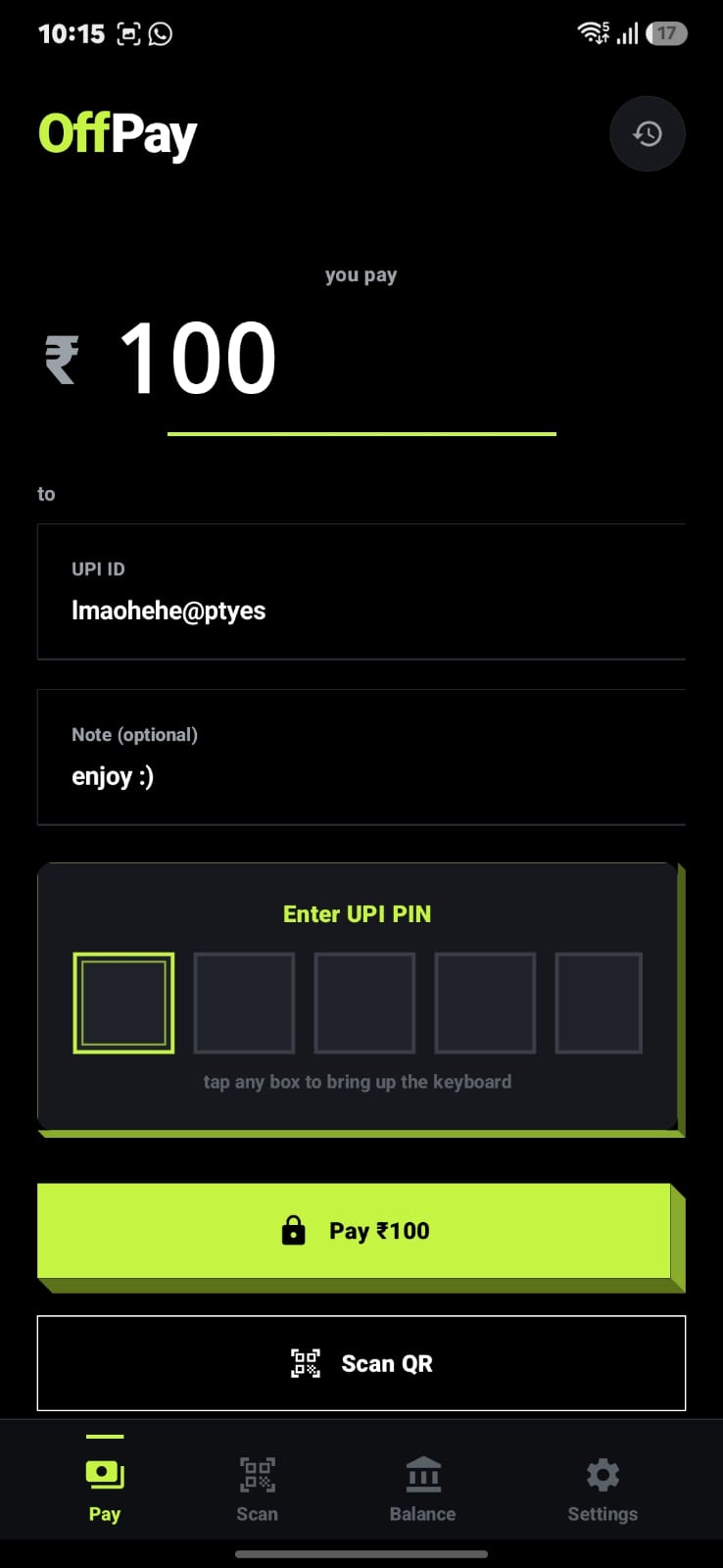
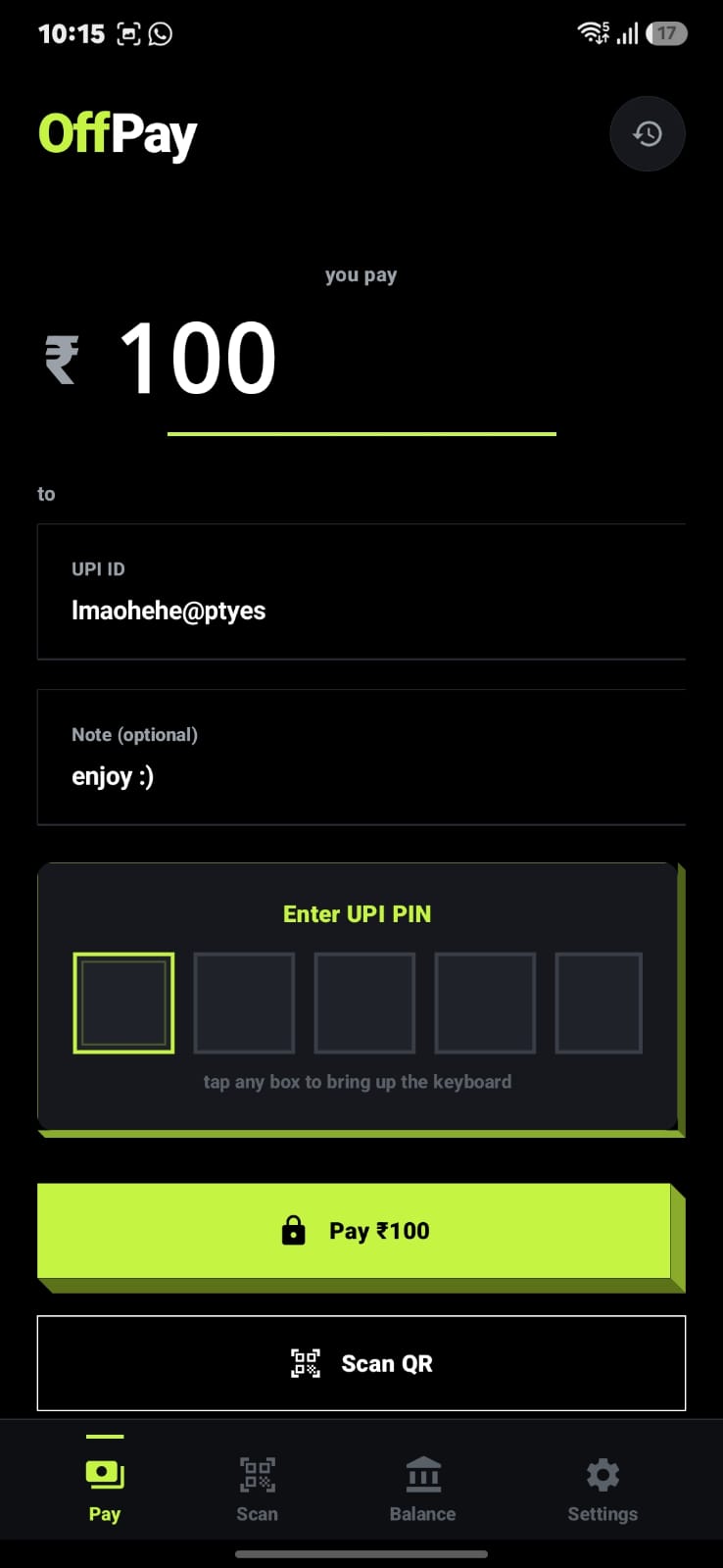
Pay
Enter PIN
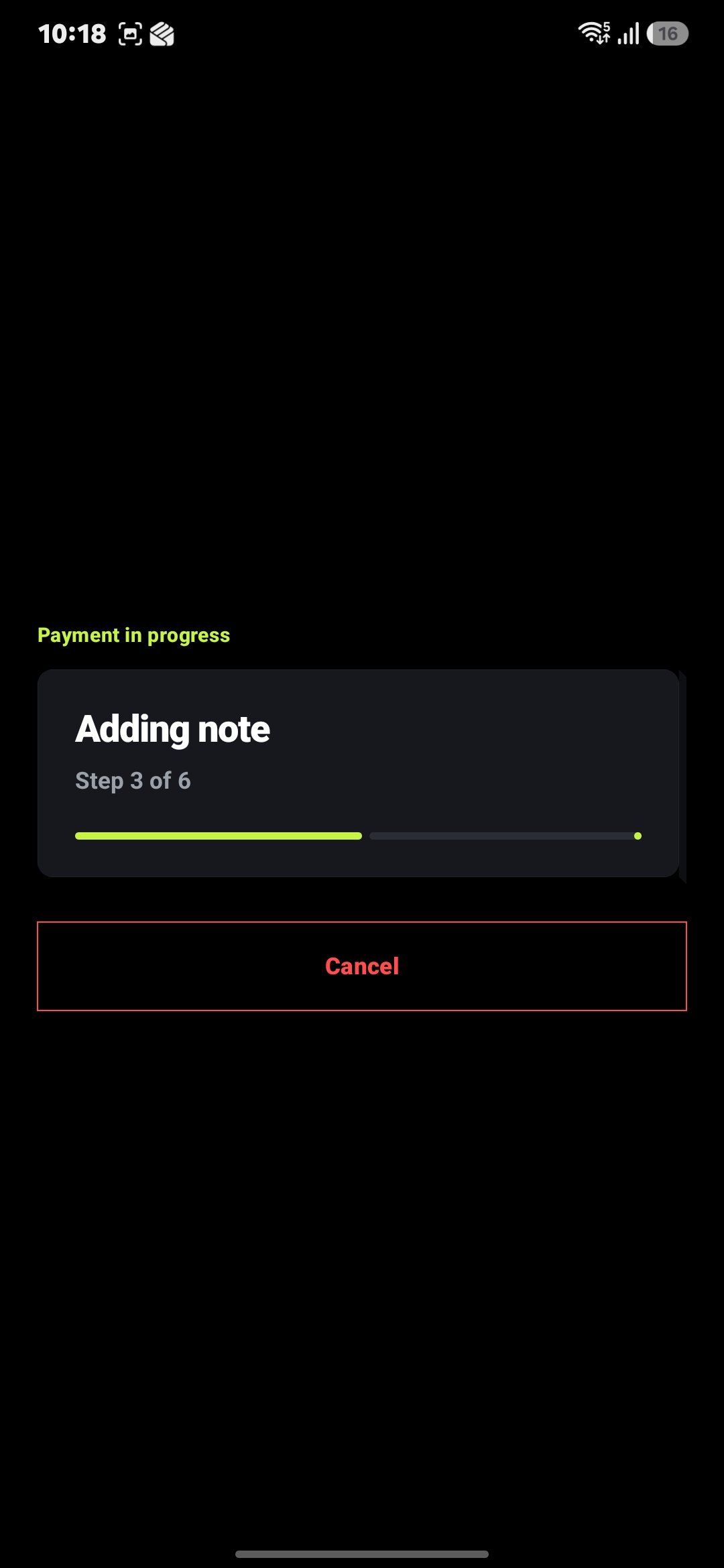
In progress
Done
Scan QR
History
Balance
Features
What it does.
Built around one constraint: no internet permission in the manifest. The app is physically incapable of making a network call.
Auto *99# dialing
Accessibility Service drives the carrier USSD dialog in the background. You stay in the app the whole time.
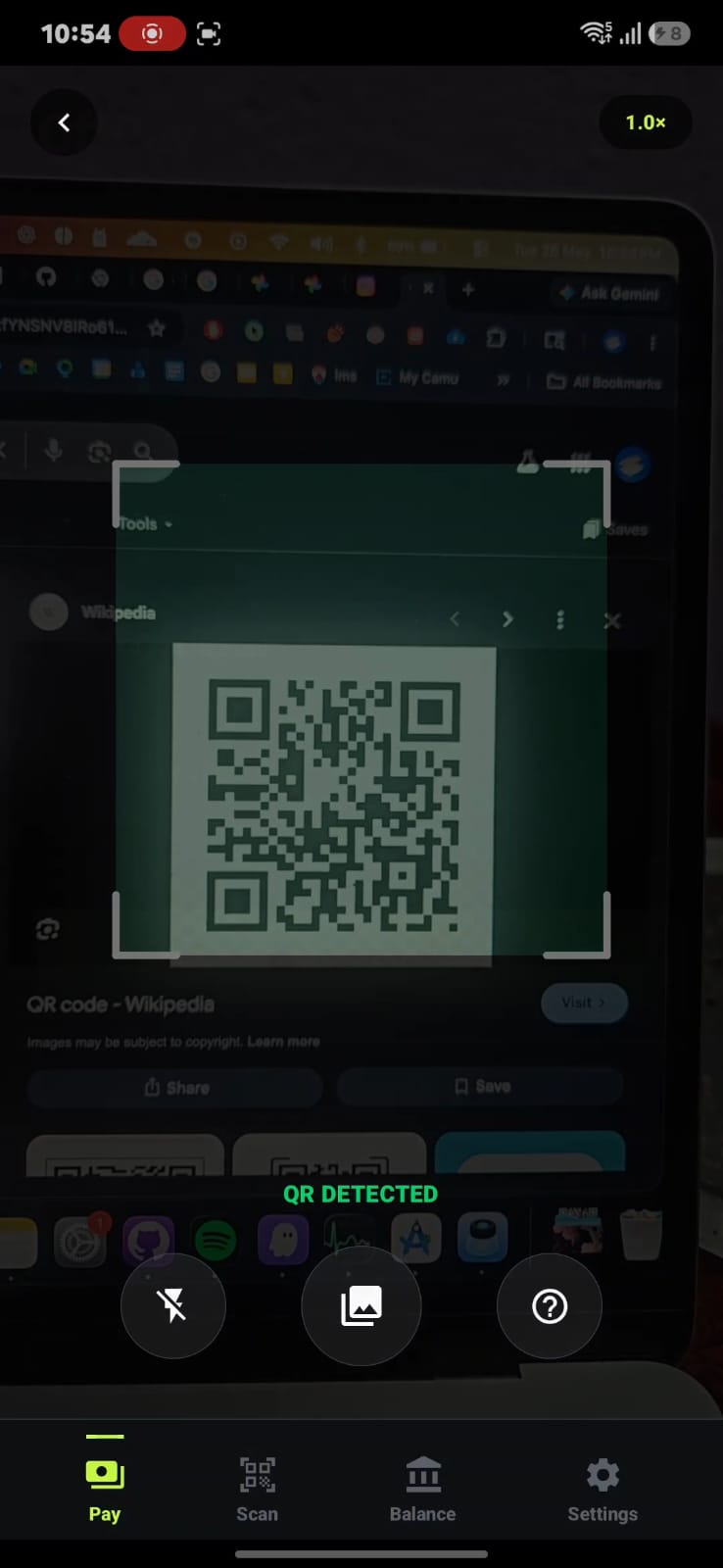
QR scanner
Camera reads merchant UPI QR codes. Parsed locally, with no network call to decode anything.
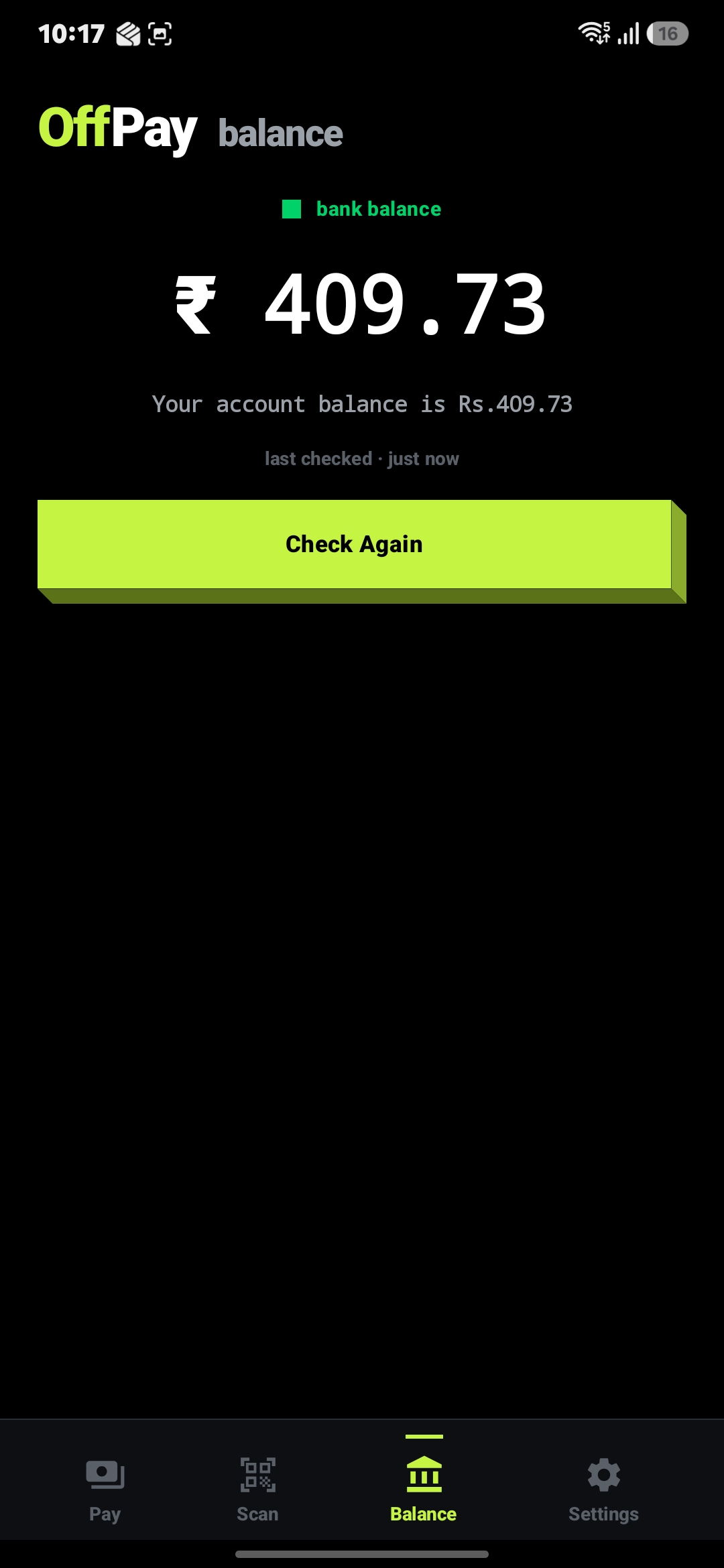
Balance check
Check your bank balance over *99# the same way. No data needed.
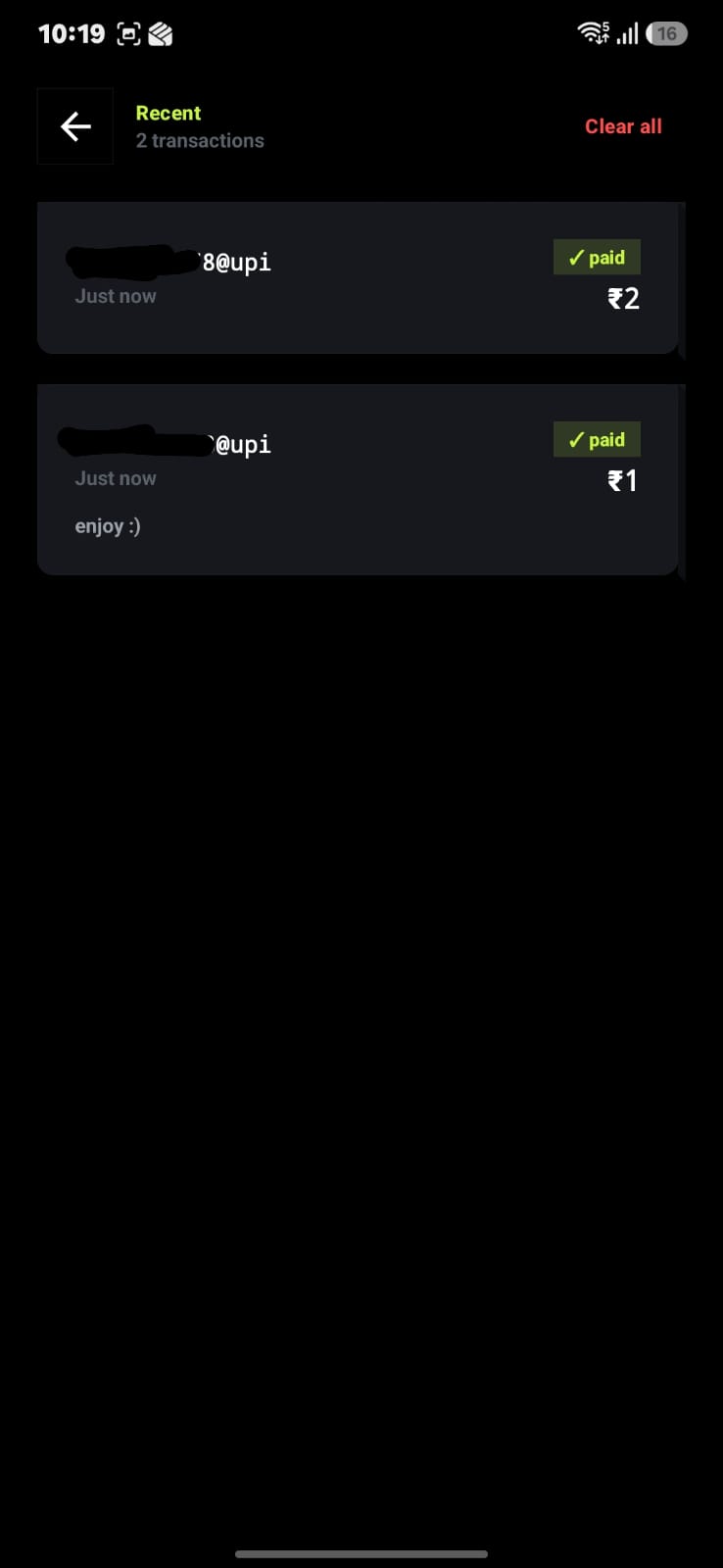
Local history
Up to 200 transactions stored on-device with SQLCipher encryption. Swipe to delete, tap to retry.
Manual fallback
Skip Accessibility altogether: manual mode opens your dialer pre-filled with the *99# sequence.
Open source · MIT
Every permission, every API call is on GitHub. Verify it yourself before installing.
PWA
iPhone? No sideload? Use the web app.
offpay.vercel.app offers the same interface and QR scanner, and works on Android and iOS. Hands the *99# step to your native dialer. Installable from your browser. Runs offline after first load.
*99# is India's USSD-based UPI service built by NPCI. It works without internet. You dial a code, your bank shows menus through SMS-style dialogs over the voice channel, and you reply to send money. Works on any phone with a basic cellular signal.
Which carriers work?
Airtel, Vodafone (Vi), and BSNL: yes. Jio: no. That's a Jio network-level constraint, not an OffPay limitation.
AIRTEL ✓VI ✓BSNL ✓JIO ✗
What are the two modes?
Auto
OffPay handles the carrier dialog automatically using Accessibility Service, keeping you in OffPay throughout the payment.
Manual
Copies the UPI ID and opens your dialer pre-filled with the *99# code. You navigate the menus yourself. No Accessibility Service needed.
Why does it need Accessibility Service?
Android's only public USSD API can't navigate multi-step menus. The Accessibility Service is what lets OffPay automatically type your amount, UPI ID, and PIN into the carrier's dialog so you don't have to. Without it, use Manual mode.
Since OffPay is sideloaded (not from Play Store), Android 13+ blocks restricted settings like Accessibility by default. Fix:
1
Settings → Apps → OffPay
2
Tap the ⋮ three-dot menu (top right)
3
Allow restricted settings → confirm with your PIN or fingerprint
4
Return to OffPay → enable Accessibility. It works now.
How do I enable banking on *99# first?
This one-time setup links your bank account to the *99# channel. After this, OffPay handles everything.
1
Open your phone's dialer and call *99#
2
Enter your bank name when prompted (SBI, HDFC, ICICI, etc.)
3
Follow on-screen prompts to link your bank account
Done once, you never need to do it again.
What if a payment fails?
OffPay shows the carrier's exact error message. Common causes: wrong PIN, bank not linked to *99#, daily limit exceeded, wrong UPI ID, or weak signal. Tap the failed transaction in history to see the full reply and retry in one tap. A 25-second timeout prevents stuck sessions.
What are the transaction limits?
₹5,000 per transaction and ₹10,000 per day. These are NPCI network-level limits for *99#, not set by OffPay.
Is OffPay on the Play Store?
Not currently. Download the APK from GitHub releases, or use the PWA on any phone (including iOS) without sideloading.